
0xdeadc0de – ONE FTP LINK – TORRENT
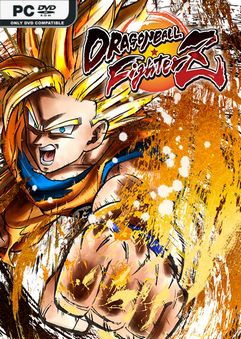
Dragon Ball FighterZ is born from what makes the Dragon Ball series so loved….
DESCRIPTION / DOWNLOAD
ABOUT THE GAME
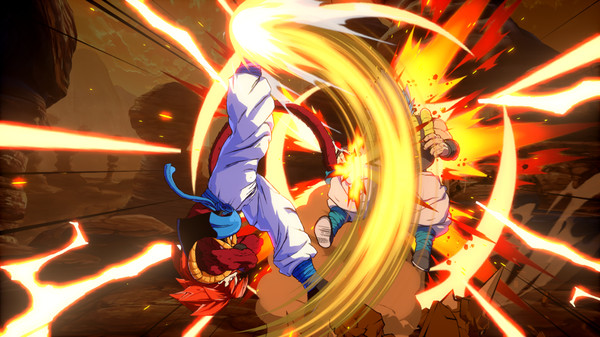
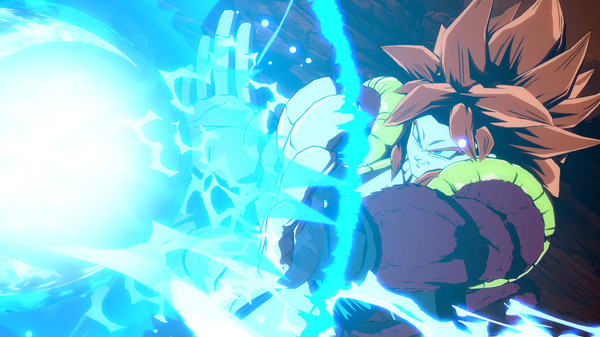
Dragon Ball FighterZ is born from what makes the Dragon Ball series so loved and famous: endless spectacular fights with its all-powerful fighters.
Title: Dragon Ball FighterZ
Genre: Action
Release Date: 12 Mar, 2021
Support the software developers. BUY IT!
• https://www.microsoft.com/en-cc/p/dragon-ball-fighterz-windows/9nztsfkr9m94
How To Install:
1. Run GDK_Helper.bat, which is located in the game folder.
2. Turn on the developer mode (Enable Developer Mode).
3. Install the game.
4. Install DLC (Install DLC).
5. Turn off the developer mode (Disable Developer Mode).
6. Run the game through the start menu.
NOTE: Required at least Windows 10 x64 version 1909 or later with Microsoft
Store, Xbox, Xbox Gaming Services installed.
1. Run GDK_Helper.bat, which is located in the game folder.
2. Turn on the developer mode (Enable Developer Mode).
3. Install the game.
4. Install DLC (Install DLC).
5. Turn off the developer mode (Disable Developer Mode).
6. Run the game through the start menu.
NOTE: Required at least Windows 10 x64 version 1909 or later with Microsoft
Store, Xbox, Xbox Gaming Services installed.
DRAGON BALL FighterZ v2.2.27.0-0xdeadc0de
Size: 5.6 GB
——————————-
ONE FTP LINK
MEGA
1FICHIER
PIXELDRAIN
MEDIAFIRE
GOFILE
DATANODES
BOWFILE
BUZZHEAVIER
FREEDLINK
MIXDROP
CHOMIKUJ
VIKINGFILE
DOWNMEDIALOAD
1CLOUDFILE
USERSDRIVE
CLICKNUPLOAD
RAPIDGATOR
NITROFLARE
MULTI LINKS
TORRENT
Enjoy
SYSTEM REQUIREMENTS
MINIMUM:
-
- Requires a 64-bit processor and operating system
- OS: Windows 7/8/10 (64-bit OS required)
- Processor: AMD FX-4350, 4.2 GHz / Intel Core i5-3470, 3.20 GHz
- Memory: 4 GB RAM
- Graphics: Radeon HD 6870, 1 GB / GeForce GTX 650 Ti, 1 GB
- DirectX: Version 11
- Network: Broadband Internet connection
- Sound Card: DirectX compatible soundcard or onboard chipset
SCREENSHOTS
GAMEPLAY
INFO
DRAGON BALL FighterZ v2.2.27.0-0xdeadc0de
1. Extract
2. Play!
1. Extract
2. Play!
COMMENTS
Leave a comment